There are hundreds of millions of websites, and a few dozen of them quietly solve problems most people still install software for. This is our list of the most useful websites on the internet, grouped by what you need to do: fix a file, make something, check something, share something, or just have a moment of fun. Every site was checked in August 2026, dead ones from earlier versions of this list have been removed, and nothing here needs an install.
Bookmark this page. We prune it every year: sites that shut down (Firefox Send, Adobe Spark, GetNotify and others) are gone, and new ones replace them.
Files, PDFs and images
- Photopea: a full Photoshop in the browser. Opens PSD, XCF, Sketch and RAW files, layers, masks, the lot. Free with ads.
- Squoosh: Google’s image compressor. Drag a photo in, compare before and after, pick WebP or AVIF, and download a file a fraction of the size. Runs locally, nothing is uploaded.
- remove.bg: removes the background from a photo in one click. Free at preview resolution.
- SVGOMG: cleans and shrinks SVG files with a live preview of what each optimisation does.
- iLovePDF and Smallpdf: merge, split, compress, sign and convert PDFs. Both have generous free tiers; iLovePDF allows more per day.
- PDF24: the same PDF tools with no daily limit at all, and a free desktop version for Windows.
- CloudConvert: converts almost any file type to any other (documents, audio, video, ebooks, archives), 25 conversions a day free.
- TinyWow: 200 plus small tools for PDFs, images, video and text on one site, all free.
- Corrupt a File: deliberately breaks a file so it will not open. You know why you need this.
- FilePizza: sends a file directly from your browser to someone else’s, peer to peer, no upload and no size limit. Both tabs have to stay open.
- WeTransfer: the standard for sending files up to 2 GB free by link, when the recipient is not online at the same time.
Writing, documents and design
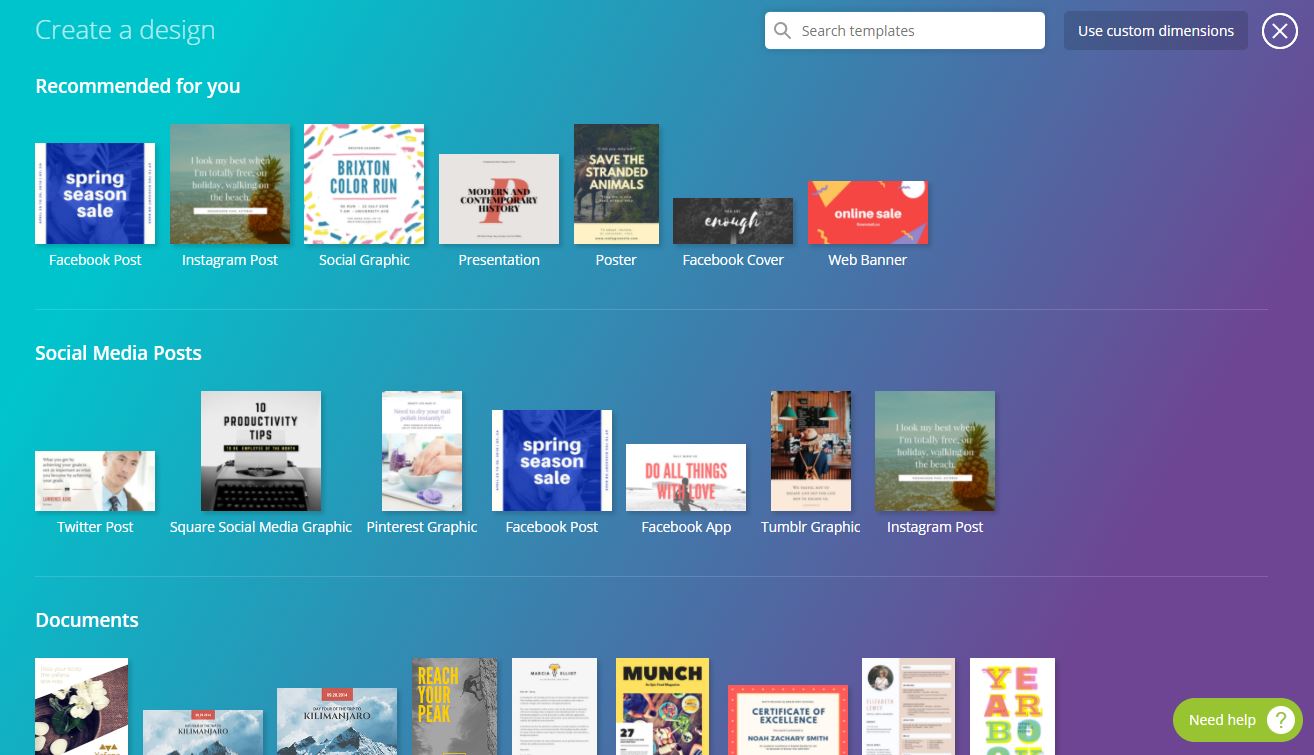
- Canva: templates for anything visual, from Instagram posts to presentations to resumes. The free tier covers most personal use.
- Excalidraw: hand drawn style diagrams and whiteboards, free, no account, and you can collaborate live from a link.
- Resume Maker Online: build a clean resume in the browser and download it as a PDF without signing up.
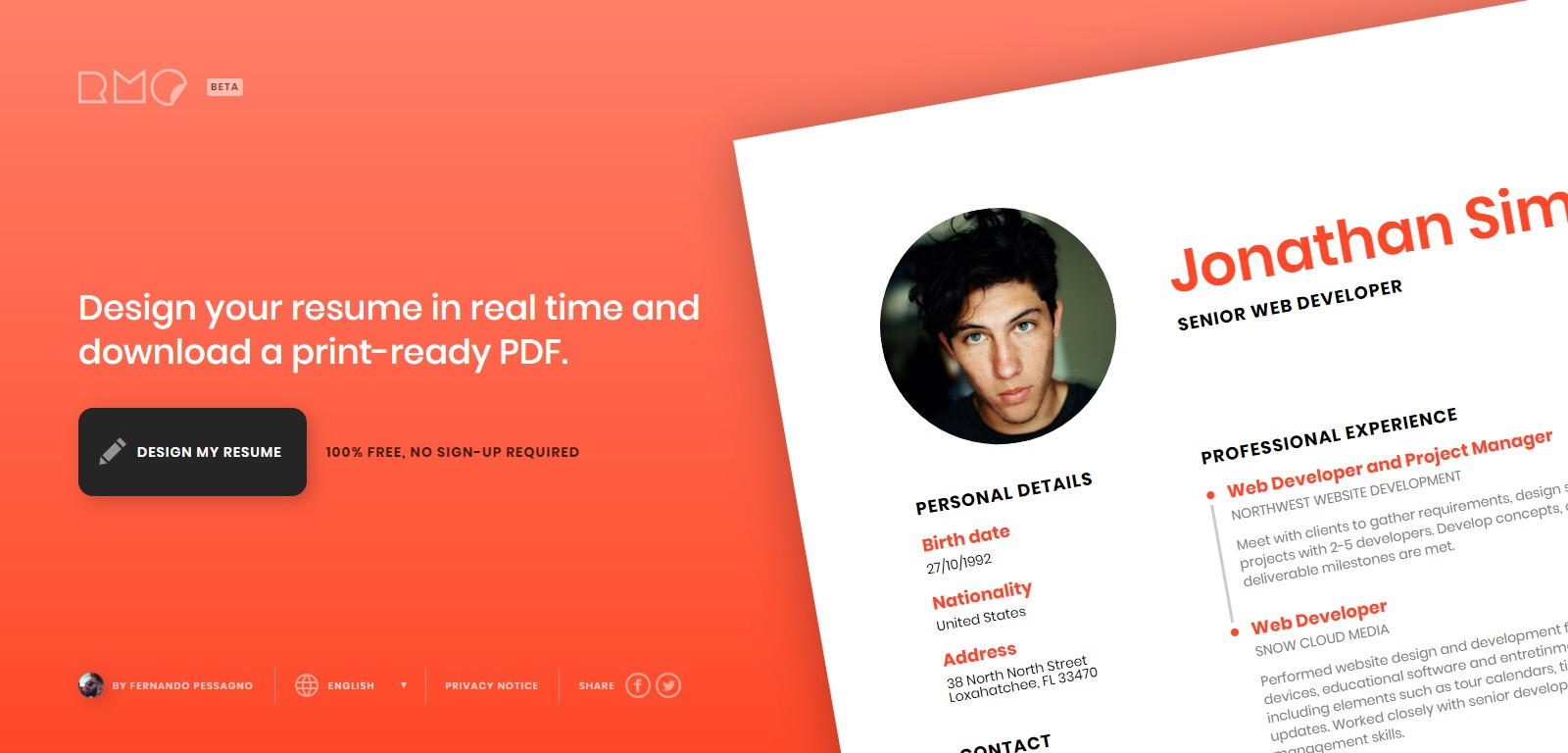
- CVwizard: more templates and a guided form if you want a more traditional CV.
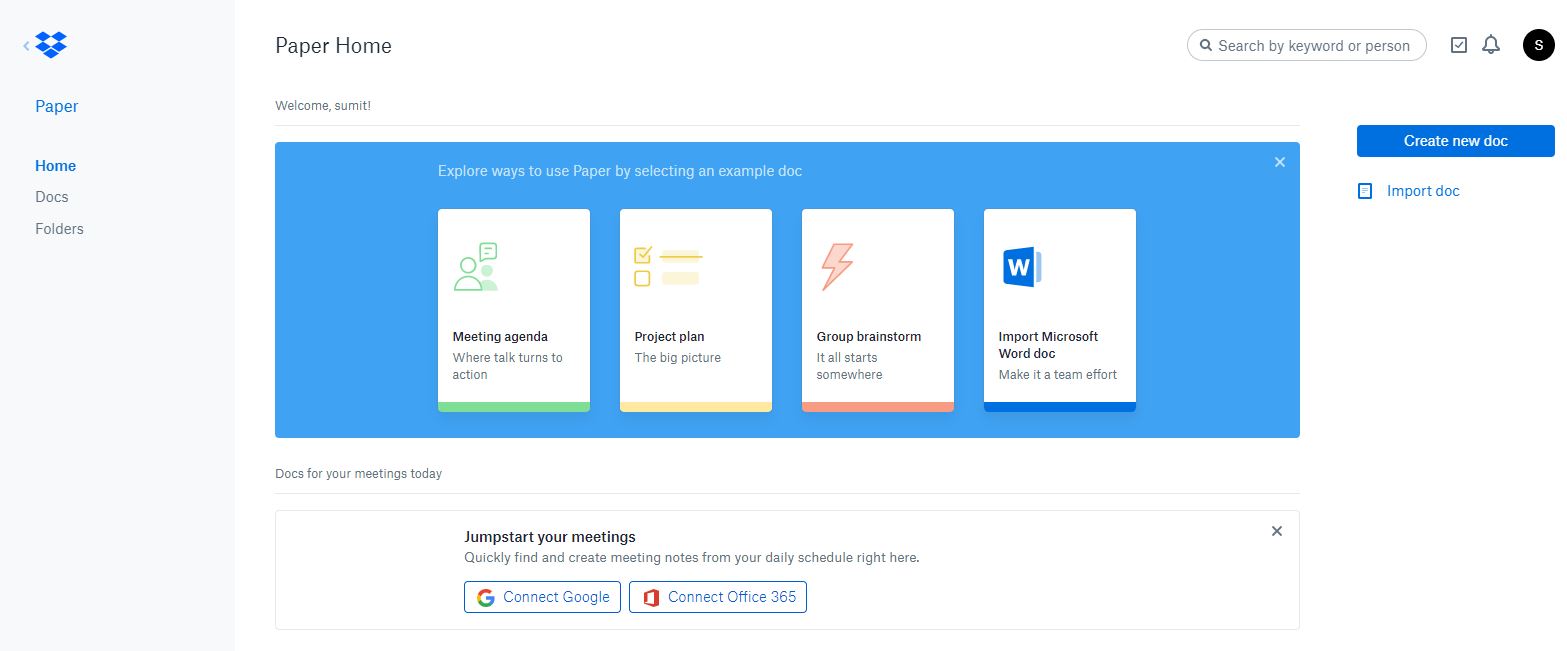
- Dropbox Paper: a minimal collaborative document that handles images, code and to do lists better than most word processors.
- Google Fonts: 1,700 plus free fonts you can use anywhere, with pairing suggestions.
- WhatTheFont: upload a picture of text and it identifies the font.
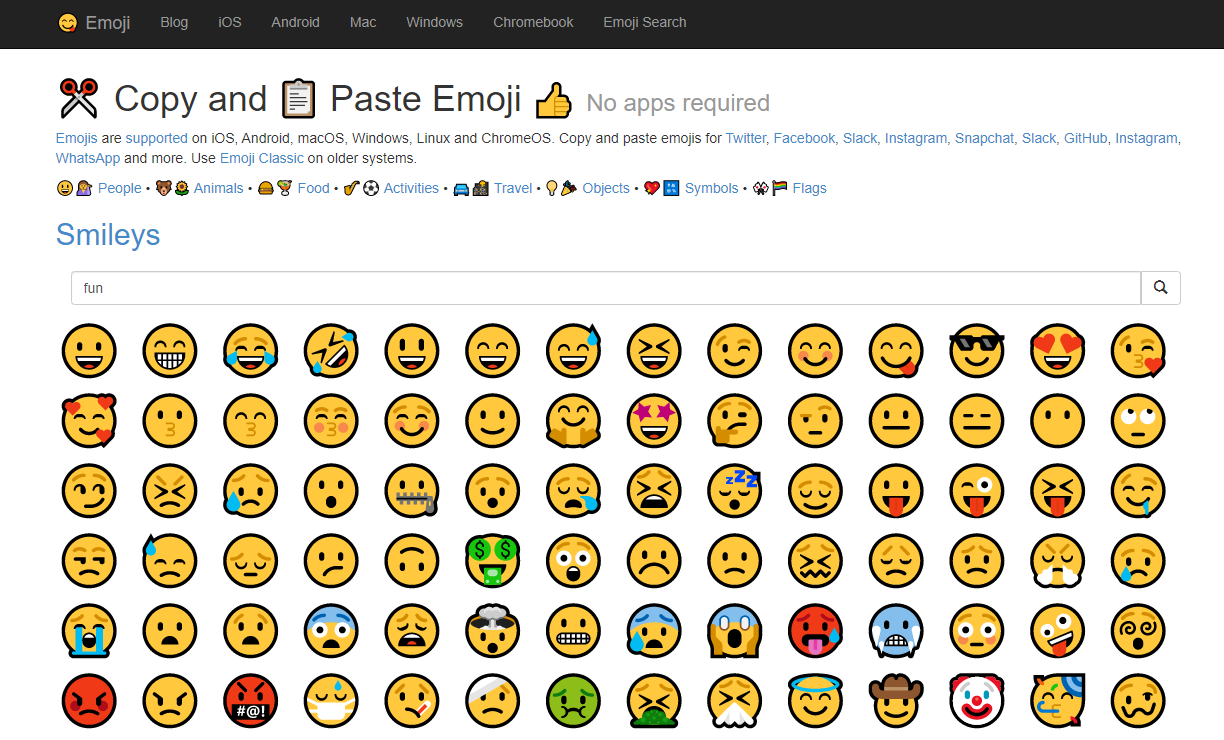
- Get Emoji: every emoji on one page to copy from. Faster than any picker.
- Pastebin: paste text or code, get a link. Still the simplest way to share a log or snippet.
- Carbon: turns a code snippet into a good looking image for slides or social posts.
- DeepL: the translator to use when Google Translate’s output reads like a machine wrote it. Free up to 1,500 characters per go.
- Google Translate: still the widest language coverage, and it translates whole web pages and documents.
Search and research
- DuckDuckGo: search without being profiled. Its bang shortcuts (
!wfor Wikipedia,!afor Amazon) are the fastest way to search any site from one box.
- Wolfram Alpha: answers maths, unit, date, nutrition and science questions with actual computation instead of links.
- Wayback Machine: see what any page looked like on any date since 1996, or read a page that has since been deleted.
- TinEye and Google Images: reverse image search to find where a picture came from or a higher resolution copy.
- AlternativeTo: type any app and get a ranked list of alternatives, filterable by platform and by free or open source.
- BuiltWith: shows what any website is built on: CMS, analytics, ad networks, hosting.
- Have I Been Pwned: check whether your email address appears in a known data breach, and get alerts for future ones.
- VirusTotal: scan a suspicious file or link with 70 antivirus engines at once before opening it.
- Down for Everyone or Just Me: answers the question in its name.
- Can You Run It: checks whether your PC meets a game’s requirements.
- Google My Activity: everything Google has logged about you, with a delete button.
Productivity and organising
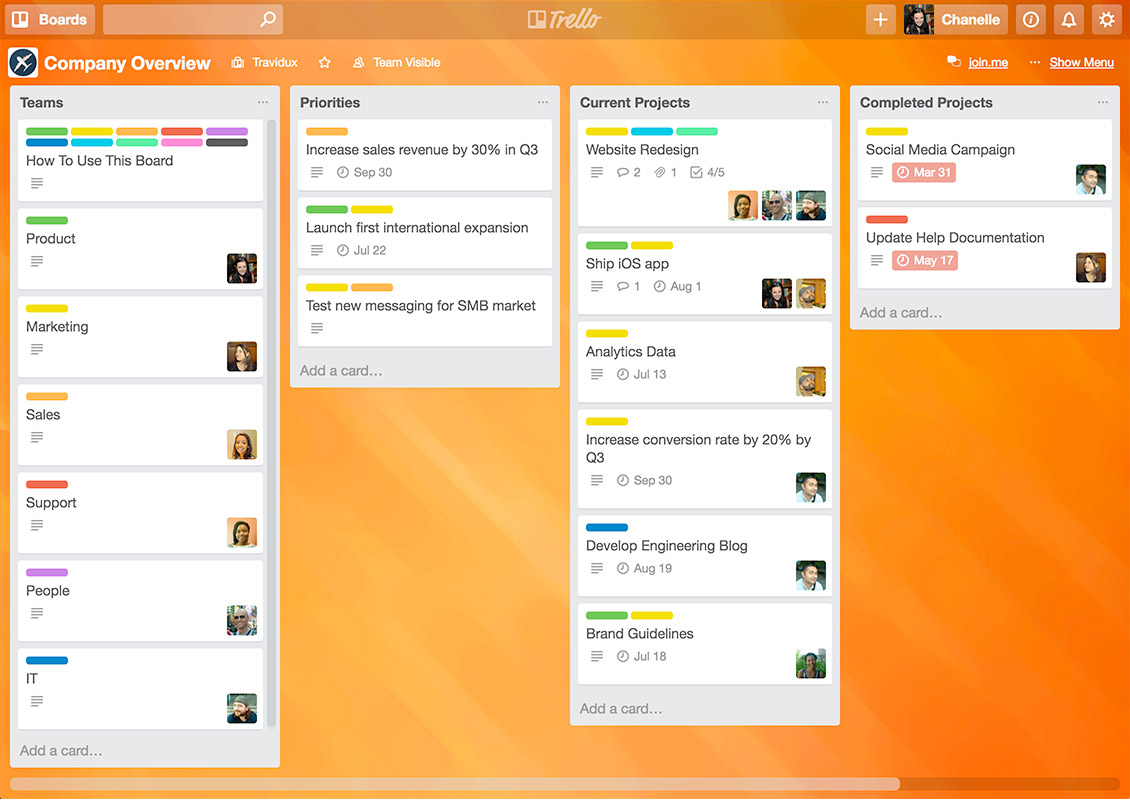
- Trello: boards, lists and cards. The simplest project tracker that people actually keep using.
- Coda: documents that behave like apps, with tables, buttons and automations. Free for personal use.
- IFTTT: connect apps and devices with simple “if this then that” rules: save Instagram photos to Dropbox, get a text when it will rain.
- Feedly: follow websites through RSS so you read what you chose instead of what an algorithm picked.
- Random.org: true random numbers, list shuffles, coin flips and dice, generated from atmospheric noise. Use it for draws and giveaways.
- Ninite: tick the Windows apps you want and get one installer that sets them all up without toolbars or prompts. The first site to open on a new PC.
- Microsoft Update Catalog: download any Windows update as a standalone file when Windows Update refuses to cooperate.
Privacy and sharing
- scr.im: turns your email address into a short link protected by a captcha, so you can post it publicly without bots harvesting it.
- Dead Man’s Switch: sends emails you have written if you stop checking in. Grim, but useful for passwords and instructions your family would need.
- Mailinator: disposable public inboxes for signups you do not care about. Never use it for anything you need to keep.
- Privnote: a note that destroys itself after being read once. Good for sending a password.
- Regex101 and JSON Formatter: for the developers, the two tools open in a tab all day.
Media and free assets
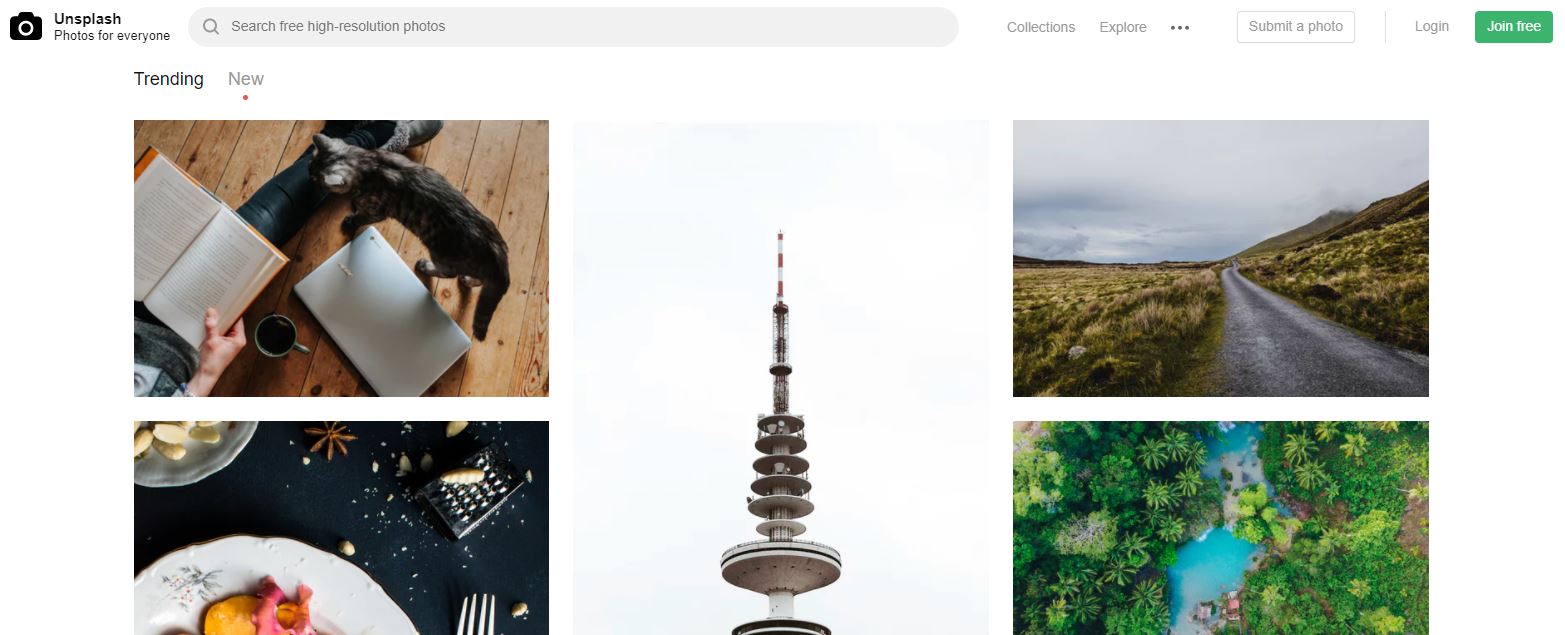
- Unsplash, Pexels and Pixabay: free photos (and on Pexels and Pixabay, video and music) you can use commercially without attribution.
- GIPHY: every GIF, with a keyboard for your phone.
- Flaticon: millions of icons, free with attribution.
- Coolors: press space to generate colour palettes until one looks right; lock the colours you want to keep.
- PlayPhrase.me: type a phrase and it plays movie clips where characters say it. Oddly addictive.

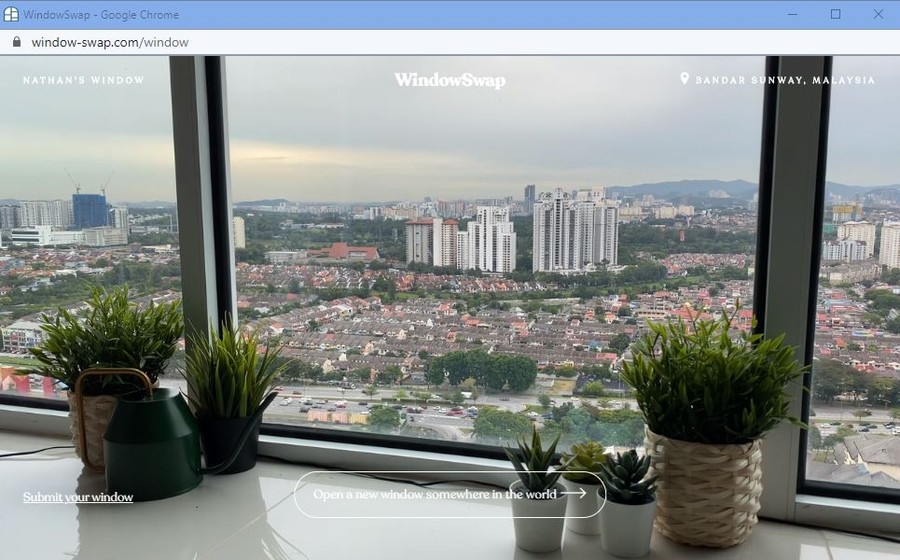
- WindowSwap: look out of a stranger’s window somewhere in the world for a few minutes. The best five minute break on the internet.
- Guitar Tuner: tunes your guitar through the microphone.
- The Air Horner: it is an air horn. Add it to your home screen and regret nothing.
Speed and website checks
- PageSpeed Insights: Google’s own report on how fast a page loads and what to fix.
- GTmetrix: a more detailed waterfall of what a page loads and how long each part takes.
- Who Is Hosting This: find out which company hosts any website.
- Internet Live Stats: live counters of websites, tweets and searches per second, for perspective.
What we removed and why
Earlier versions of this list had Firefox Send (shut down in 2020), Adobe Spark (now Adobe Express, no longer free in the same way), Smaller Pictures (gone), GetNotify (offline), Mix.com (no longer a discovery site), BugMeNot and the YouTube download sites. They were removed because they no longer work, changed beyond recognition, or point people at services we would not use ourselves. If a site here stops working, tell us in the comments.
Found this useful?

Sumit
ContributorHi, I'm Sumit, Being an introvert I have always been obsessed with technology-computers and reading dozens of posts to learn, find answers out of my curiosity. I love to write as I explore more.