Best Photo Viewers for Windows 11 and 10 (Free, Fast, RAW and HEIC Support)

The Photos app that ships with Windows 10 and 11 is slow to open, pushes cloud features you did not ask for, and cannot handle half the formats a modern camera or phone produces. Every viewer below fixes that: they open in a blink, handle RAW, HEIC, WebP and AVIF, and most are free. We also cover how to bring back the classic Windows Photo Viewer if that is really what you want. Everything here was checked on Windows 11 in August 2026 and works on Windows 10 too.
Short version: ImageGlass if you want a modern, fast, free viewer; IrfanView if you want the fastest and most capable; FastStone if you want a viewer and light editor in one.
Quick comparison
| Viewer | Free | Best for | RAW and HEIC | Portable |
|---|---|---|---|---|
| ImageGlass | Yes, open source | Modern default viewer | Yes | Yes |
| IrfanView | Yes (free for personal use) | Speed, batch work, odd formats | Yes, with plugins | Yes |
| FastStone Image Viewer | Yes for home use | Viewer plus editing and comparison | Yes | Yes |
| XnView MP | Yes for personal use | Browsing and organising big folders | Yes | Yes |
| Honeyview | Yes | Fast viewing, comics and archives | Yes | Yes |
| JPEGView | Yes, open source | Absolute minimum, opens instantly | Partly | Yes |
| nomacs | Yes, open source | Cross platform, side by side compare | Yes | Yes |
| QuickLook | Yes, open source | Space bar preview like on a Mac | Yes | No |
| Microsoft Photos | Included | Basic viewing and OneDrive | HEIC with extension | No |
ImageGlass
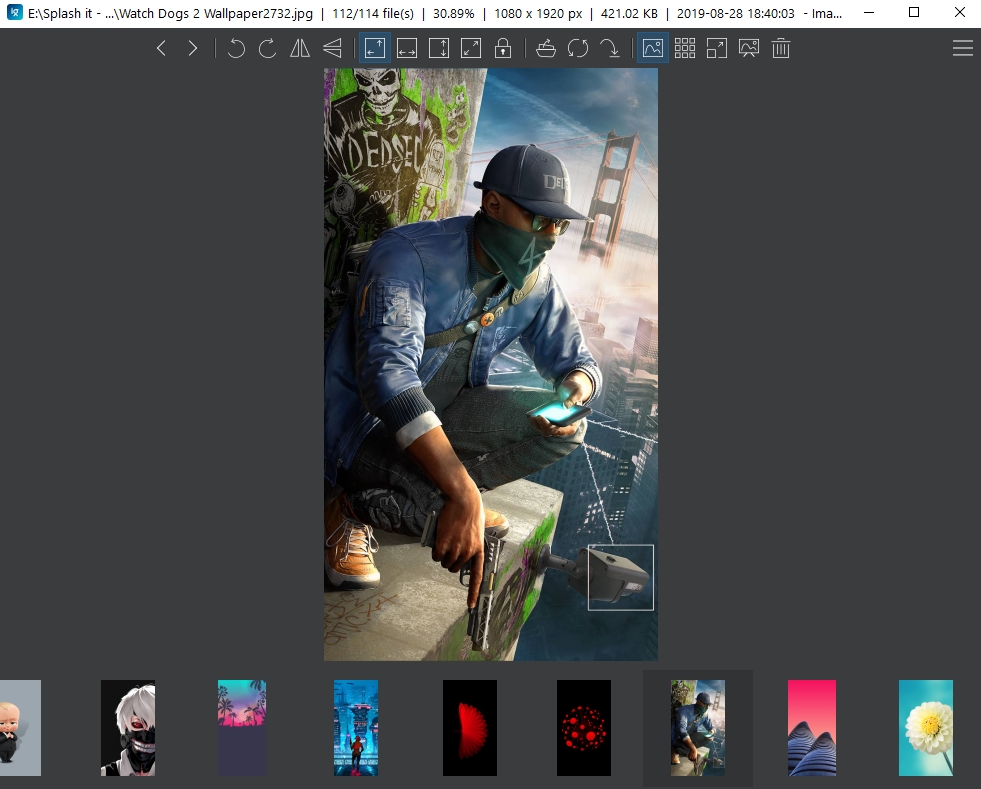
ImageGlass is what the Windows Photos app should have been: a clean, keyboard driven viewer that opens instantly, supports more than 80 formats including RAW, HEIC, AVIF, WebP and animated images, and has a thumbnail strip, slideshow, colour picker and basic crop and rotate. Version 9 added a redesigned interface, a built in clipboard viewer and per format tools. It is open source and free; the developer sells it on the Microsoft Store as an optional way to pay. If you want to replace Photos and forget about it, start here.
IrfanView
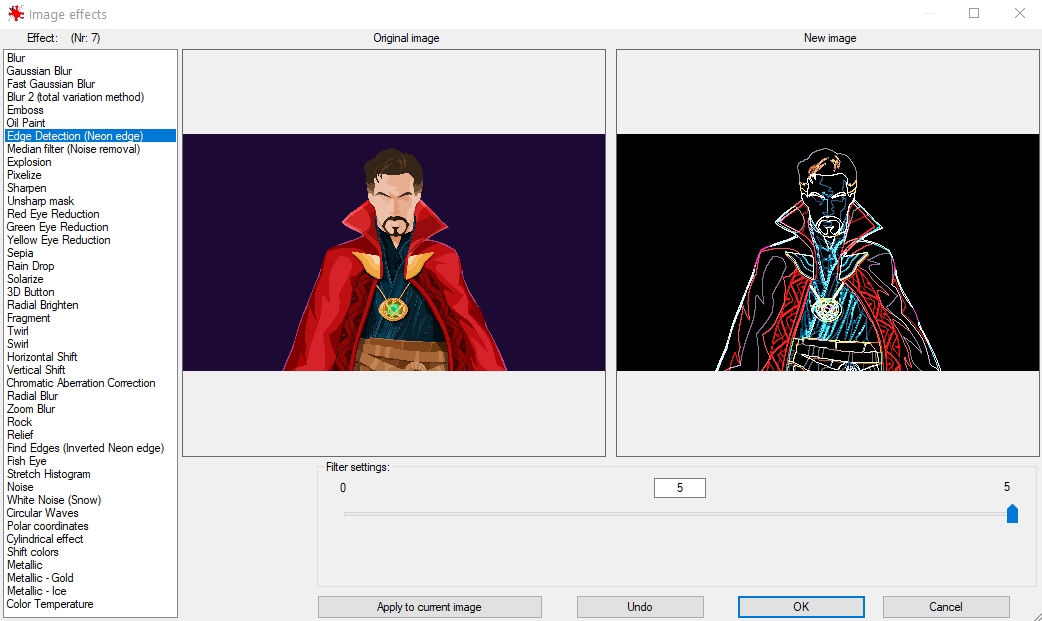
IrfanView has been the fastest image viewer on Windows since 1996 and it is still actively updated. It is tiny (a few megabytes), opens huge images without loading delays, and does far more than viewing: batch rename and convert, screenshots, scanning, simple edits, and slideshows. Install the plugins pack to add RAW, HEIC, WebP and video formats. The interface looks dated and that is the only real complaint. Free for private use.
FastStone Image Viewer
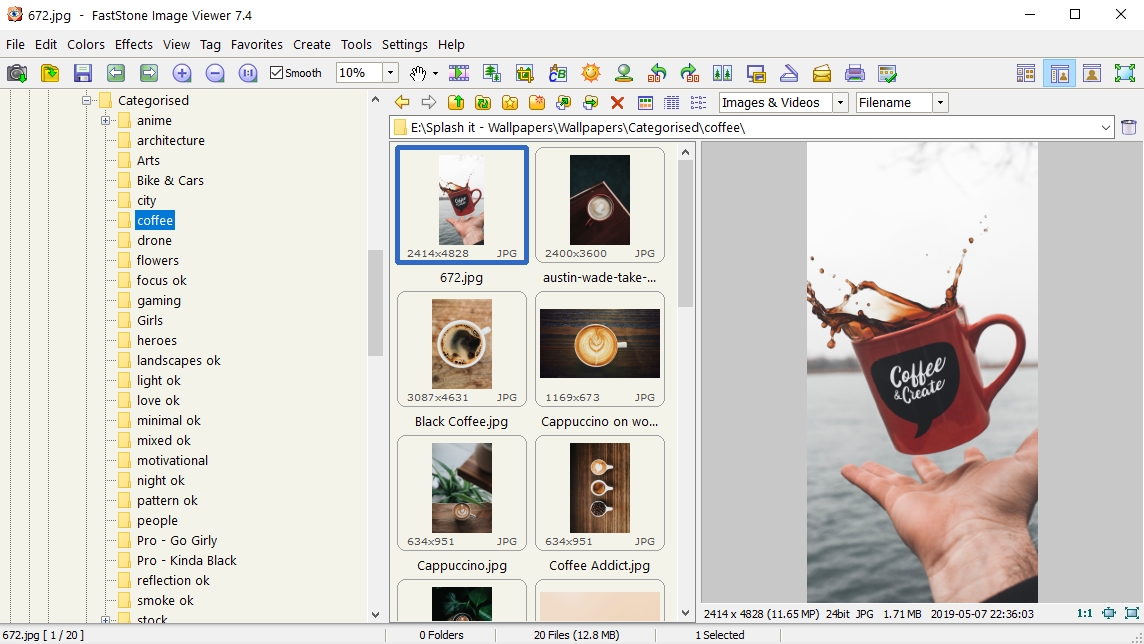
FastStone is a viewer, browser and editor in one window. Full screen mode hides everything until you move the mouse to an edge, where panels for the file list, EXIF and editing tools slide in. It reads all major RAW formats, compares up to four images side by side, and includes red eye removal, resize, crop, watermarking and batch conversion. Free for home use; a portable version is available.
XnView MP
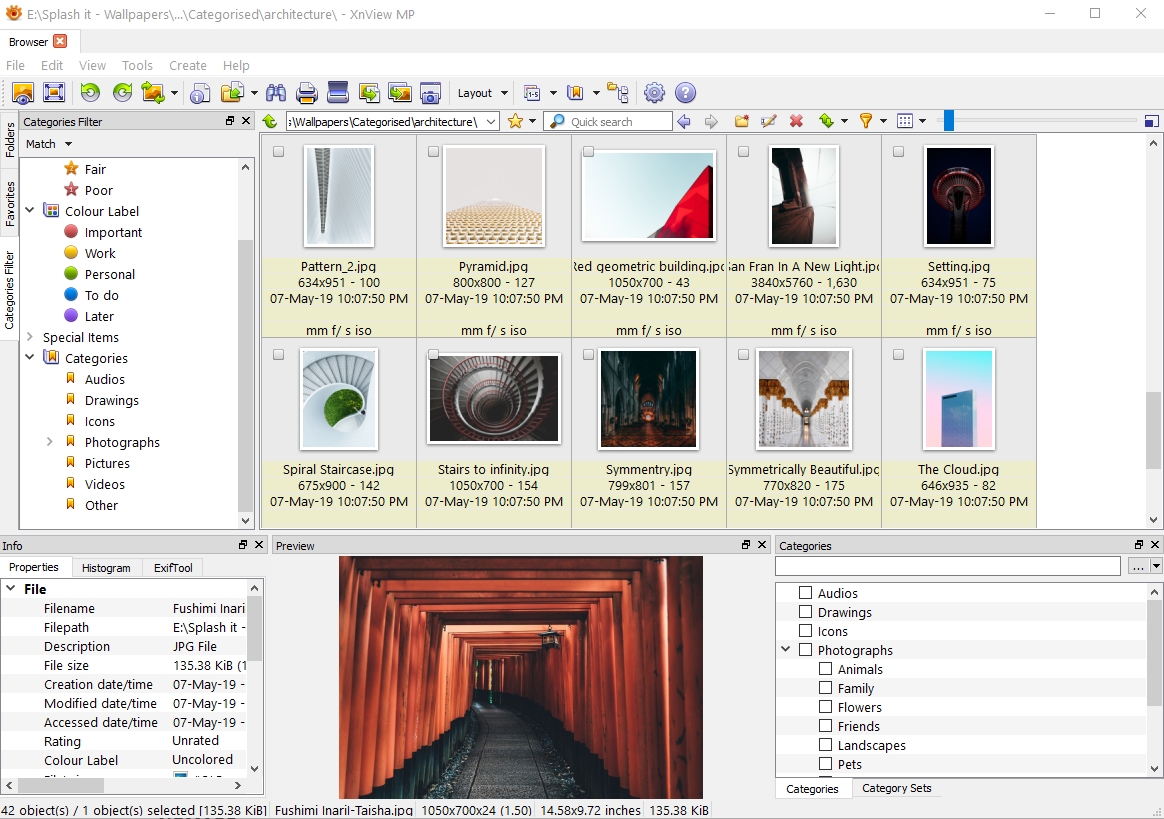
XnView MP is the one to pick if you have tens of thousands of photos in folders and want to browse, rate, tag and batch process them without importing into a library. It reads 500 plus formats, shows EXIF and IPTC data, and has a good batch converter. Windows, Mac and Linux. Free for personal use.
Honeyview
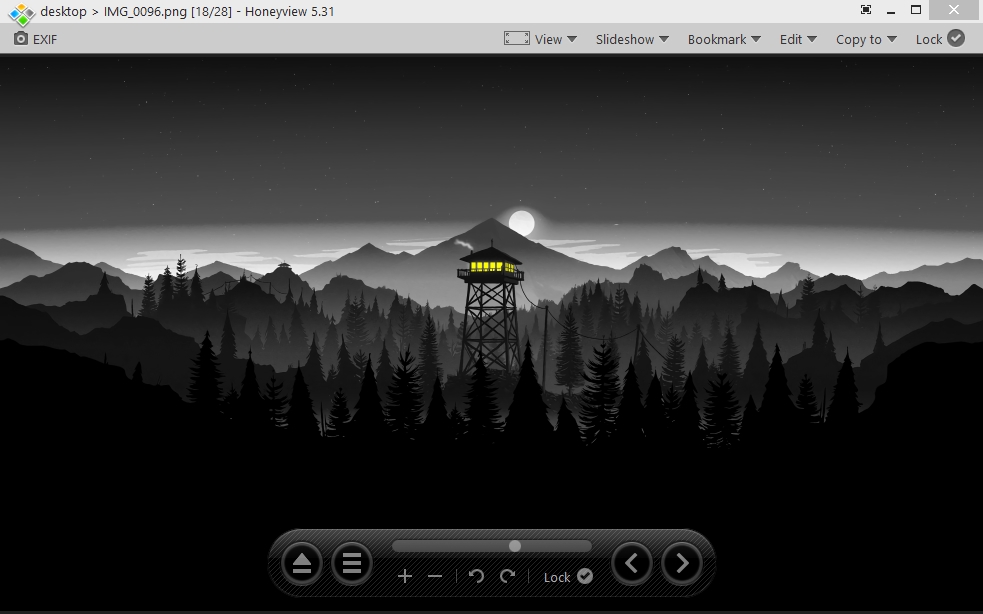
Honeyview from the makers of Bandizip is a pure viewer: no editing, just fast opening, smooth zoom and a clean full screen. Its party trick is opening images straight from ZIP, RAR and 7z archives, which makes it popular for comics and scanned documents. Free.
JPEGView
JPEGView is the lightest viewer here, a single executable that shows the image and nothing else until you move the mouse. It has surprisingly good on the fly correction (auto contrast, sharpening, local brightness) that you can apply without saving. The current fork is maintained on GitHub after the original SourceForge project went quiet. Free and open source.
nomacs
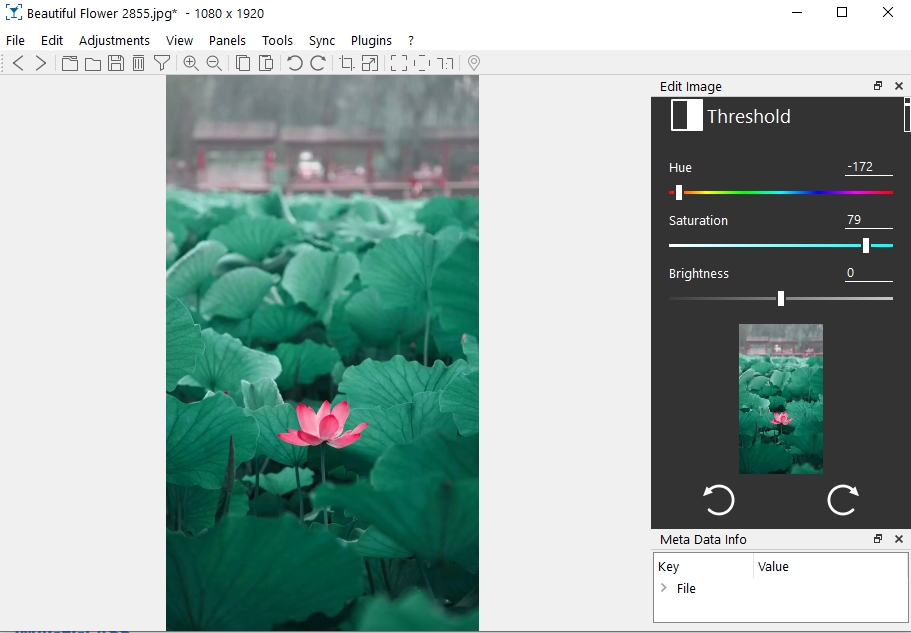
nomacs is open source, runs on Windows, Mac and Linux, and is built for comparing: open several windows and synchronise zoom and pan across them, or overlay two images to spot differences. It reads RAW, shows metadata, and has basic adjustments. Free.
QuickLook

QuickLook is not a viewer you open; it is the Mac feature where you select a file in Explorer, tap the space bar, and a preview pops up. It handles images, video, PDFs, Office files and archives, and closes with another tap of space. Install it alongside any viewer above. Free and open source, also on the Microsoft Store.
Microsoft Photos
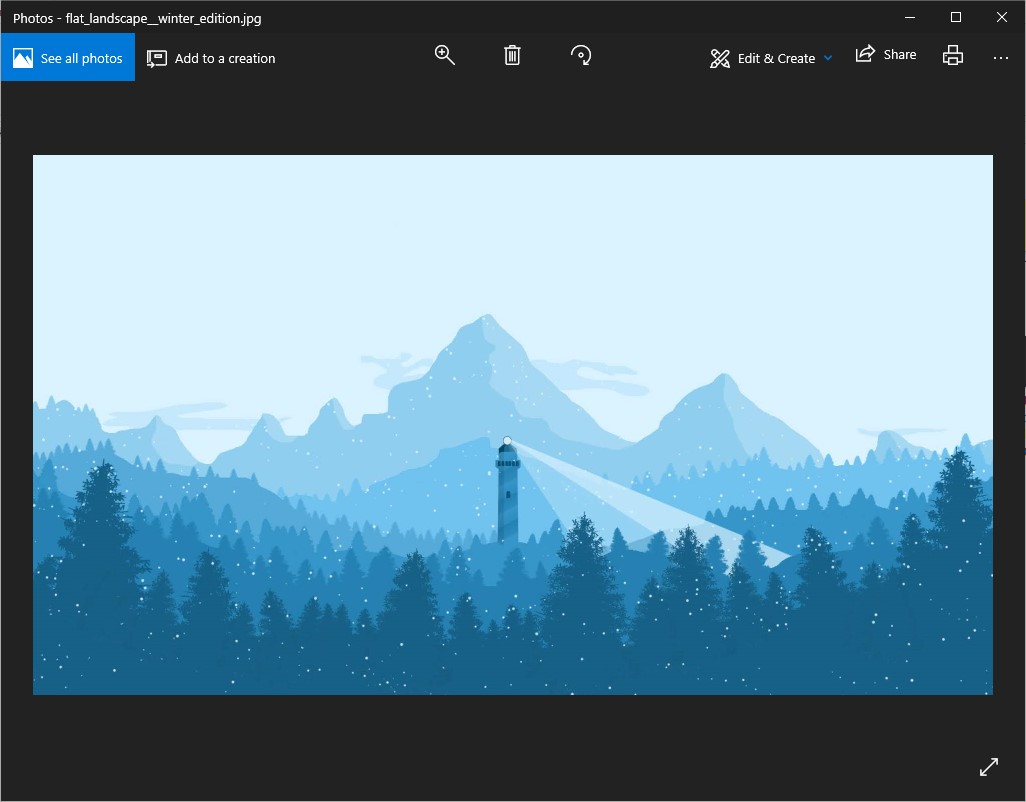
The built in Photos app was rewritten in 2023 and is better than it was: it opens faster, has a gallery view, a decent editor with background removal, and integrates OneDrive and iCloud photos. It still needs the paid HEVC extension for some HEIC files and it is the slowest option on this page to launch. Fine if you rarely open photos; replace it if you open them all day.
How to get the classic Windows Photo Viewer back
The old Windows Photo Viewer still exists inside Windows 10 and 11; it is just hidden. You do not need to download anything, and you should not download it from third party sites. To enable it:
- Open Notepad and paste the registry entries that add Photo Viewer to the Open with list (search for “restore Windows Photo Viewer registry” on Microsoft’s community forums for the exact block, it is about 20 lines).
- Save the file as
photoviewer.reg, double click it and confirm. - Right click any image, choose Open with, then Choose another app, pick Windows Photo Viewer and tick Always.
If you upgraded from Windows 7 rather than doing a clean install, Photo Viewer is often already available in Open with without the registry step. Honestly, though, ImageGlass or IrfanView does everything Photo Viewer did, faster, and supports formats it never will.
How to set a default photo viewer
- Open Settings, then Apps, then Default apps.
- Search for the viewer you installed and select it.
- Click each file type (JPG, PNG, WebP, HEIC and so on) and choose the viewer, or use the Set default button at the top if it appears.
Most viewers in this list also offer to set themselves as default during installation.
FAQ
What is the best free photo viewer for Windows 10 and 11?
ImageGlass for most people. IrfanView if you want the fastest possible viewer and do not mind an old interface.
Which photo viewer opens HEIC files from an iPhone?
ImageGlass, IrfanView (with plugins), FastStone, XnView MP and Honeyview all open HEIC without the paid Microsoft extension.
Which viewer opens RAW files?
All of the above except JPEGView (partial) and Microsoft Photos (only with the Raw Image Extension from the Store). FastStone and XnView MP have the widest camera support.
Is Picasa still available?
No. Google discontinued Picasa in 2016 and it has not been updated since; installers on download sites are old and unsupported. XnView MP or FastStone cover the same organising features.
Can I use these on Windows 7?
IrfanView, FastStone, XnView MP and Honeyview still run on Windows 7. ImageGlass 9 requires Windows 10 or later.
Found this useful?

Amit loves new tech and apps that make life easier, he writes about apps, games and useful websites on TheTechBasket.